
Deep Trade
Deep Trade is the Polymarket terminal inside Polywhaler. Connect your wallet once and you can see your live portfolio, your P&L across every position, and place trades without leaving the app.
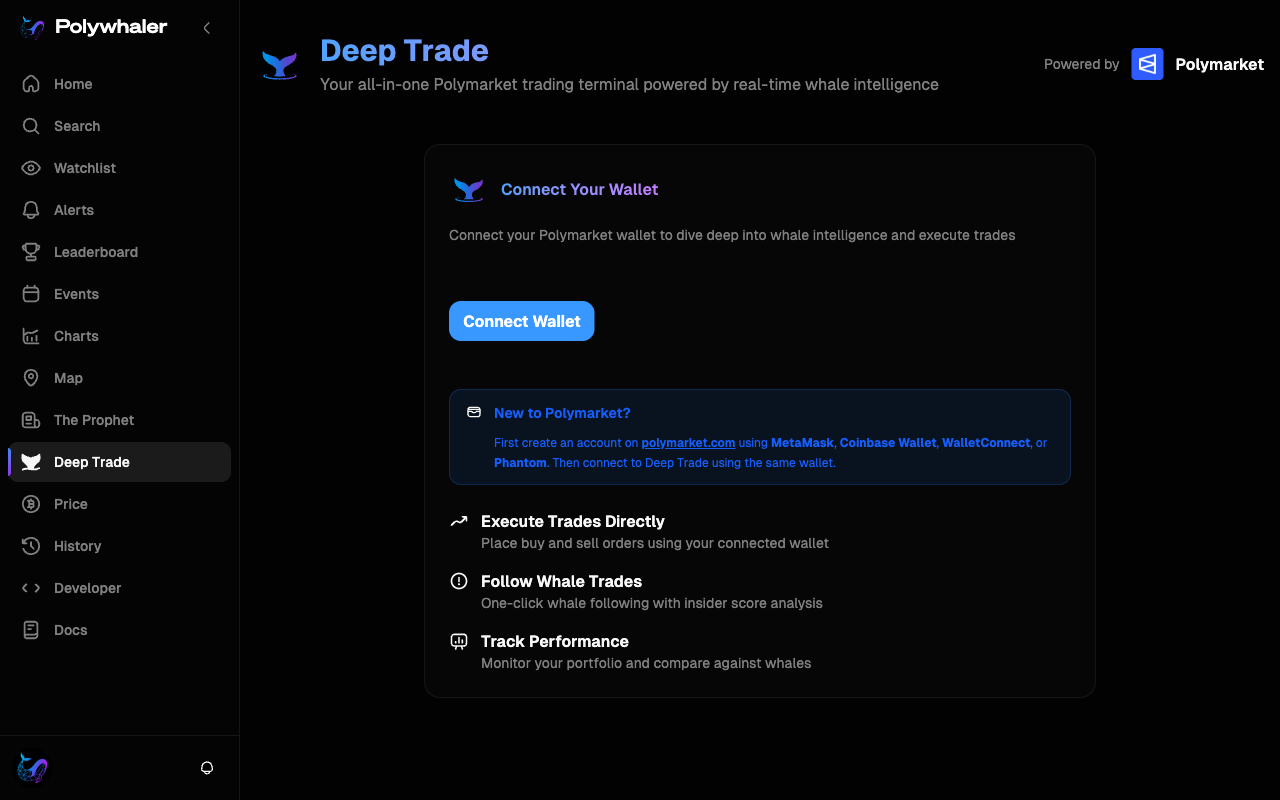
Connect your wallet
Deep Trade needs your Polymarket wallet to read your positions and to sign trades. Polymarket runs on Polygon Mainnet, so your wallet has to be on chain ID 137.
- Click Deep Trade in the sidebar.
- Click Connect Wallet. Pick MetaMask, WalletConnect, or any other wallet listed.
- If your wallet is on a different network, you will be prompted to switch to Polygon. Approve the switch.
- On first connect, you may be asked to generate Polymarket API credentials. Follow the inline prompt. This is a one-time setup.
New to Polymarket?
You need a funded Polymarket account before you can trade through Deep Trade. The page links out to Polymarket if you do not have one yet.
Read your portfolio
Once connected, Deep Trade shows your full Polymarket portfolio: open positions, closed positions, total value, and an equity curve. Numbers update in real time as prices move.
- Portfolio Value: the current total value of your open positions plus your USDC balance.
- Current Positions: every market you are in, the side you took, your average entry, and your unrealized P&L.
- Closed Positions: trades you have already exited or that have resolved, with realized P&L.
- Equity curve: portfolio value over time, so you can see whether your account is trending up or down.
Place a trade
- Open the market you want to trade. You can search for it, click through from The Prophet, or jump in from a whale's profile.
- Pick a side and enter your size. Deep Trade shows you the current price, the implied probability, and what your payout would be at resolution.
- Confirm. The trade is signed by your wallet and submitted to Polymarket directly. There is no Polywhaler middle layer holding your funds.
Tip
Deep Trade routes through Polymarket. Polywhaler does not hold your funds, take custody, or take a fee on top of your trades.
Disconnecting
Use the wallet dropdown in the top of the Deep Trade page to disconnect. Your positions stay in your Polymarket account. They just stop showing in Polywhaler until you connect again.