

Watchlist
Keep the whales you trust in view.
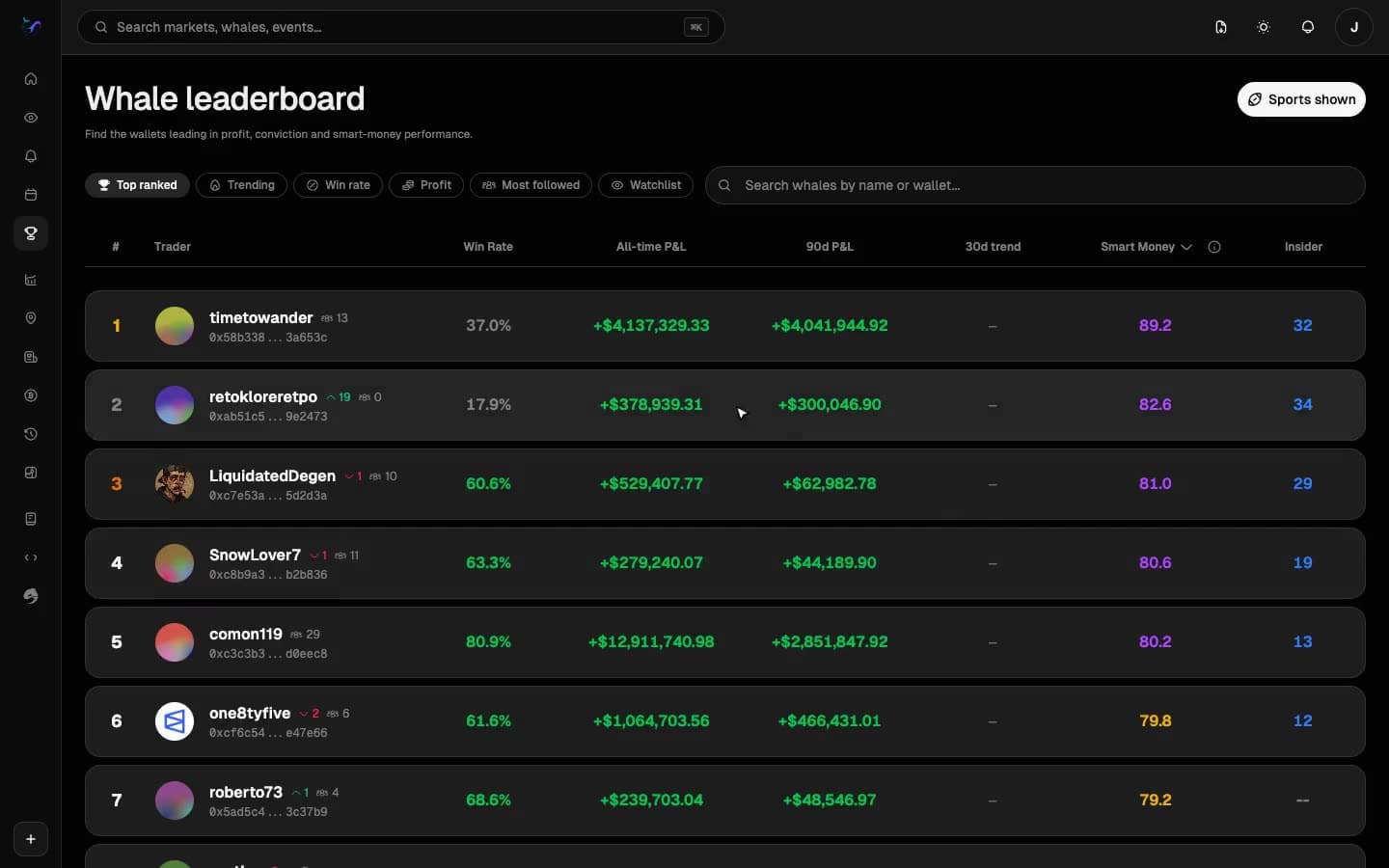
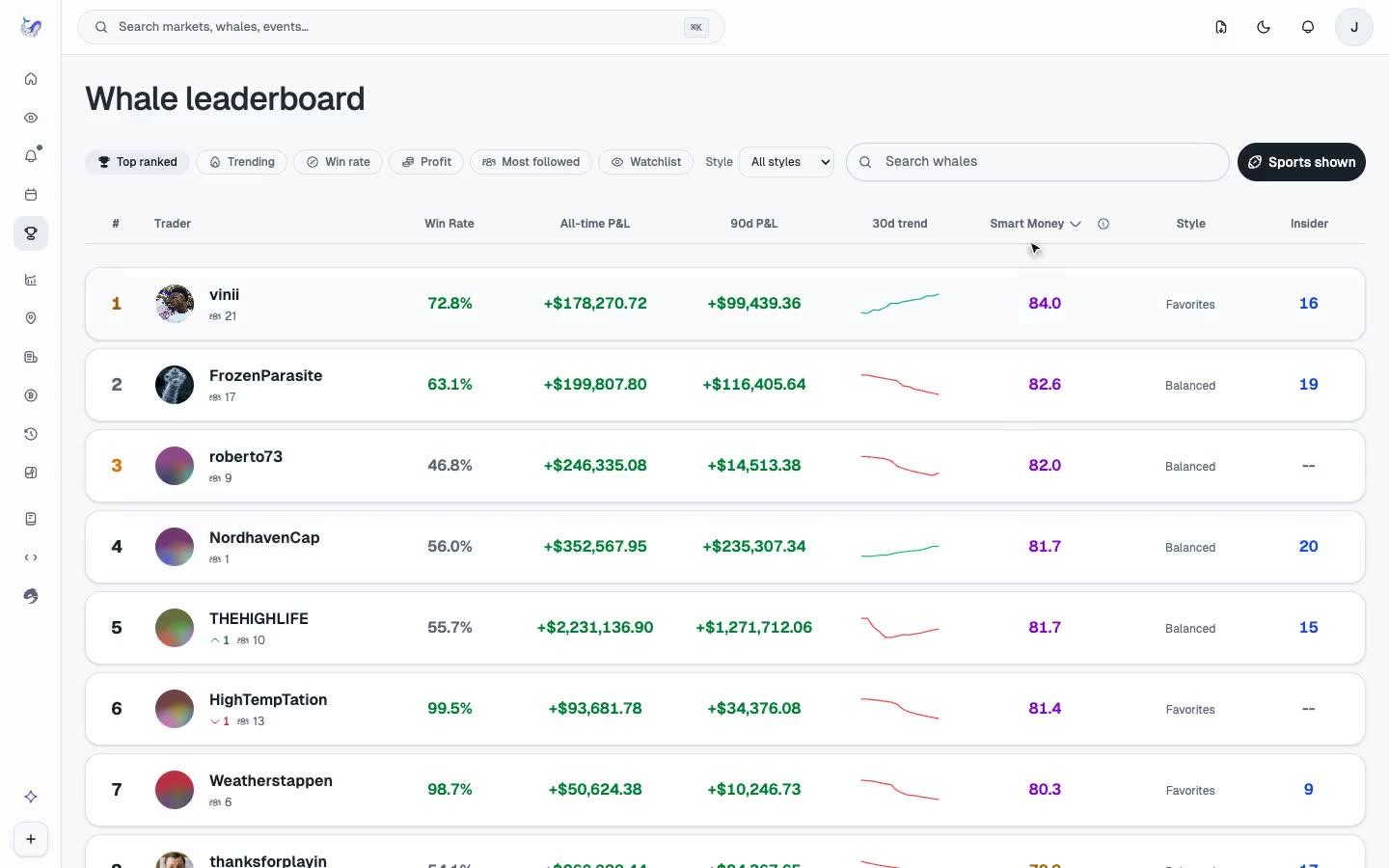
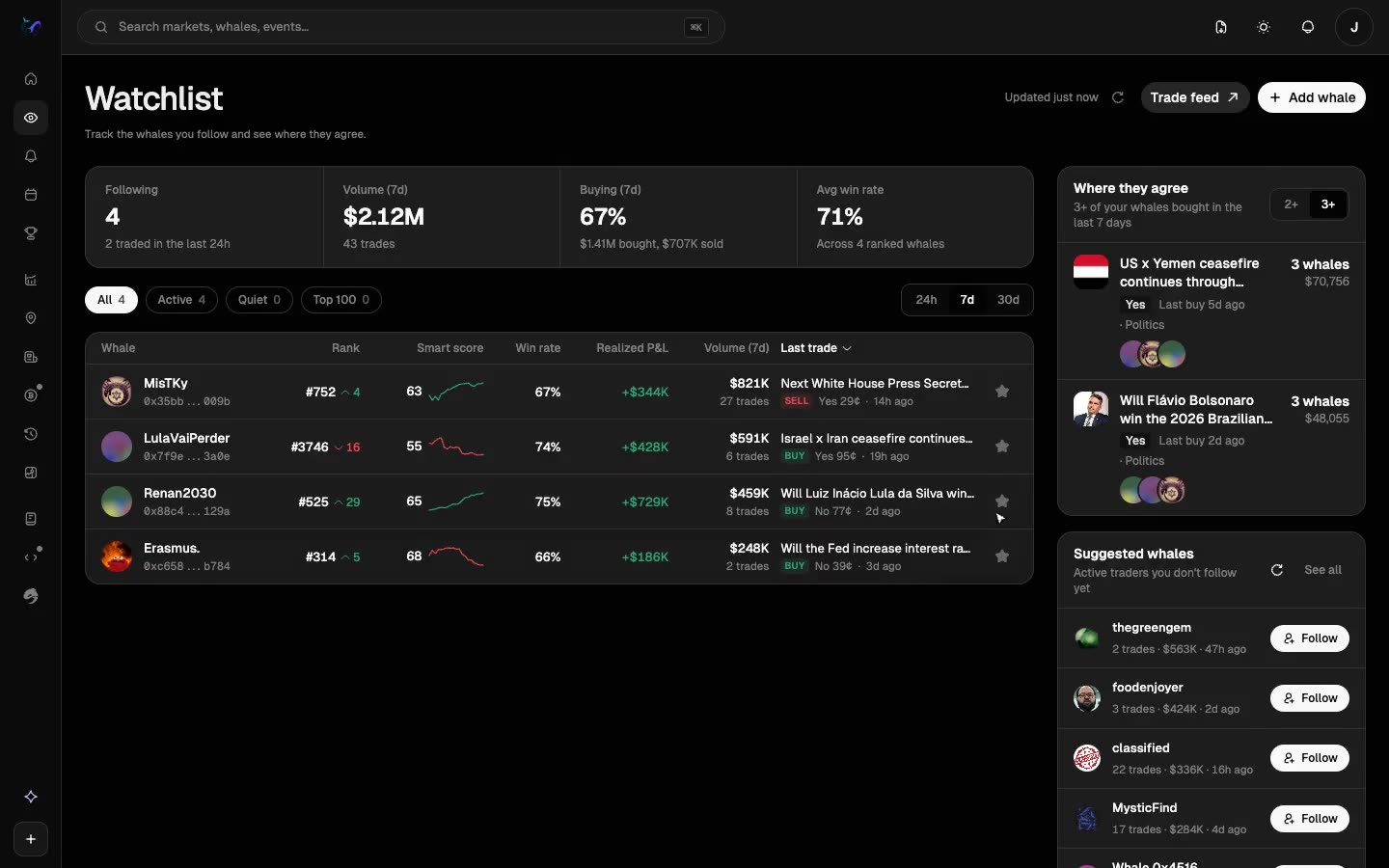
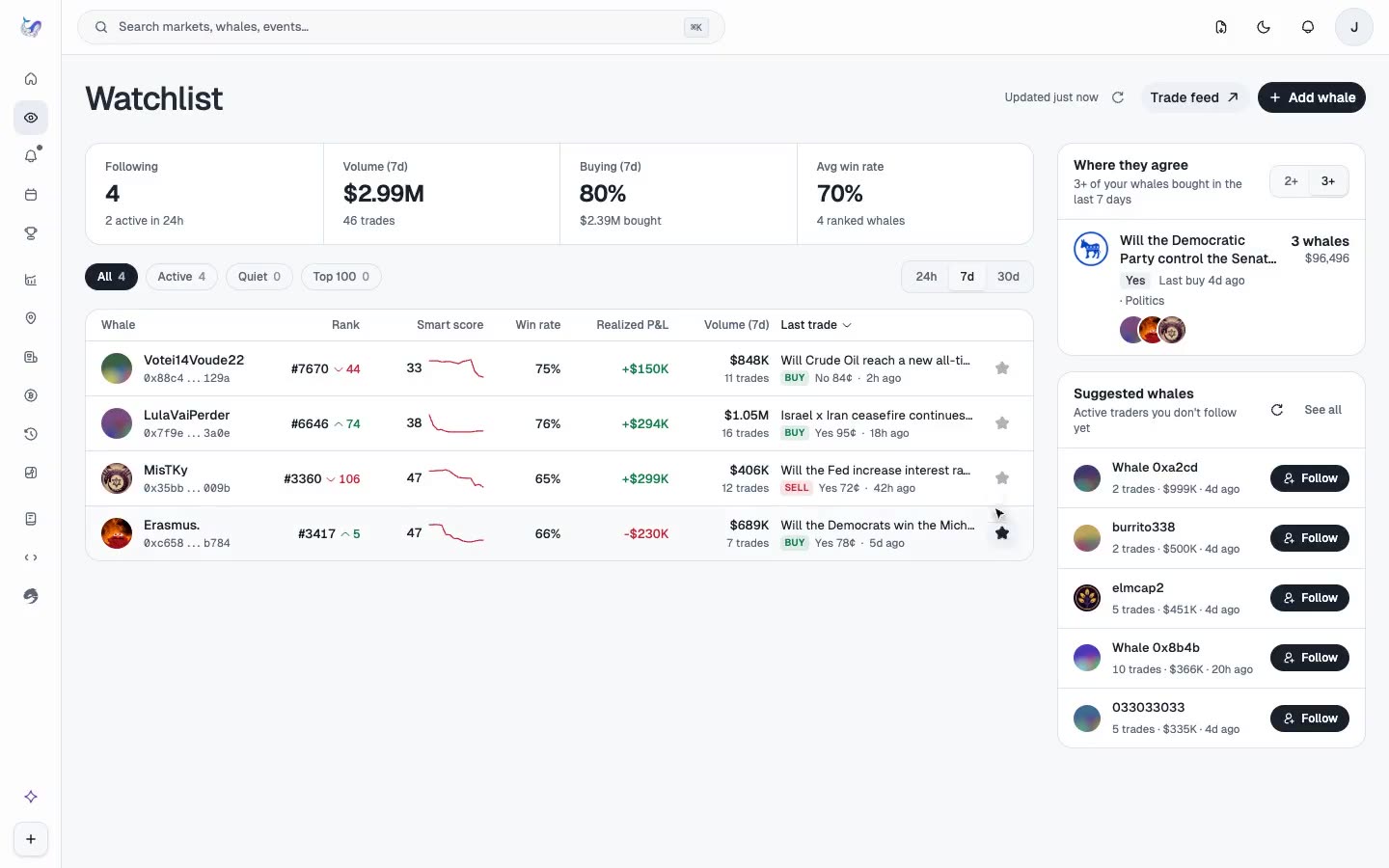
Follow any wallet on Polymarket and compare them in one table: their scores, P&L and latest trades, with a feed of every move they make.
How it works
Three steps, start to finish.
What's included.
Follow the whales you trust and see every move they make. How the watchlist works.
Follow any wallet
From a profile, the leaderboard, a trade or the Agent.
Suggested whales
Active whales worth a look, refreshed as they trade.
Following feed
Only your whales' trades, newest first, on Home.
Consensus on Pro
The positions your whales agree on: three or more by default, or two if you lower it.
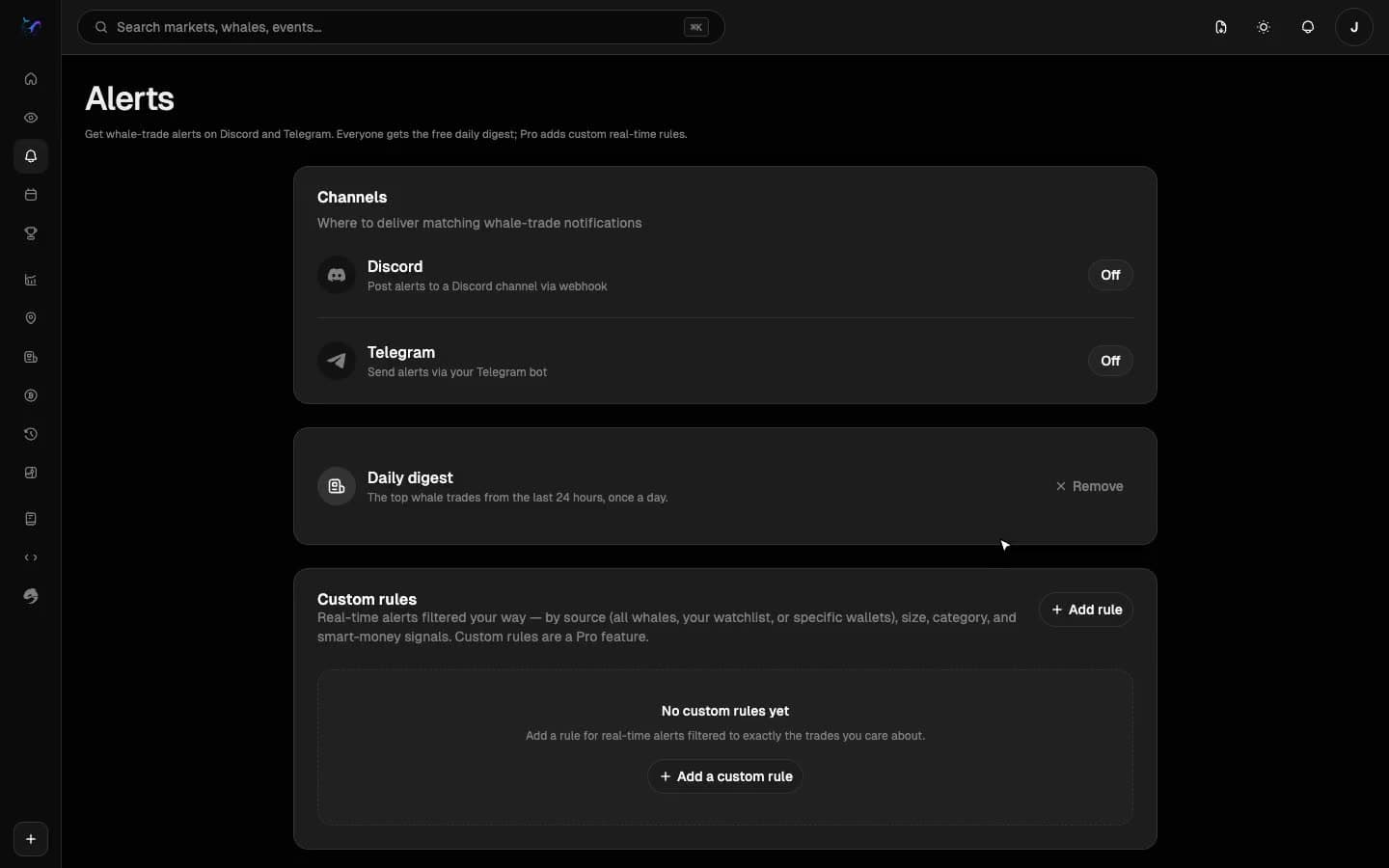
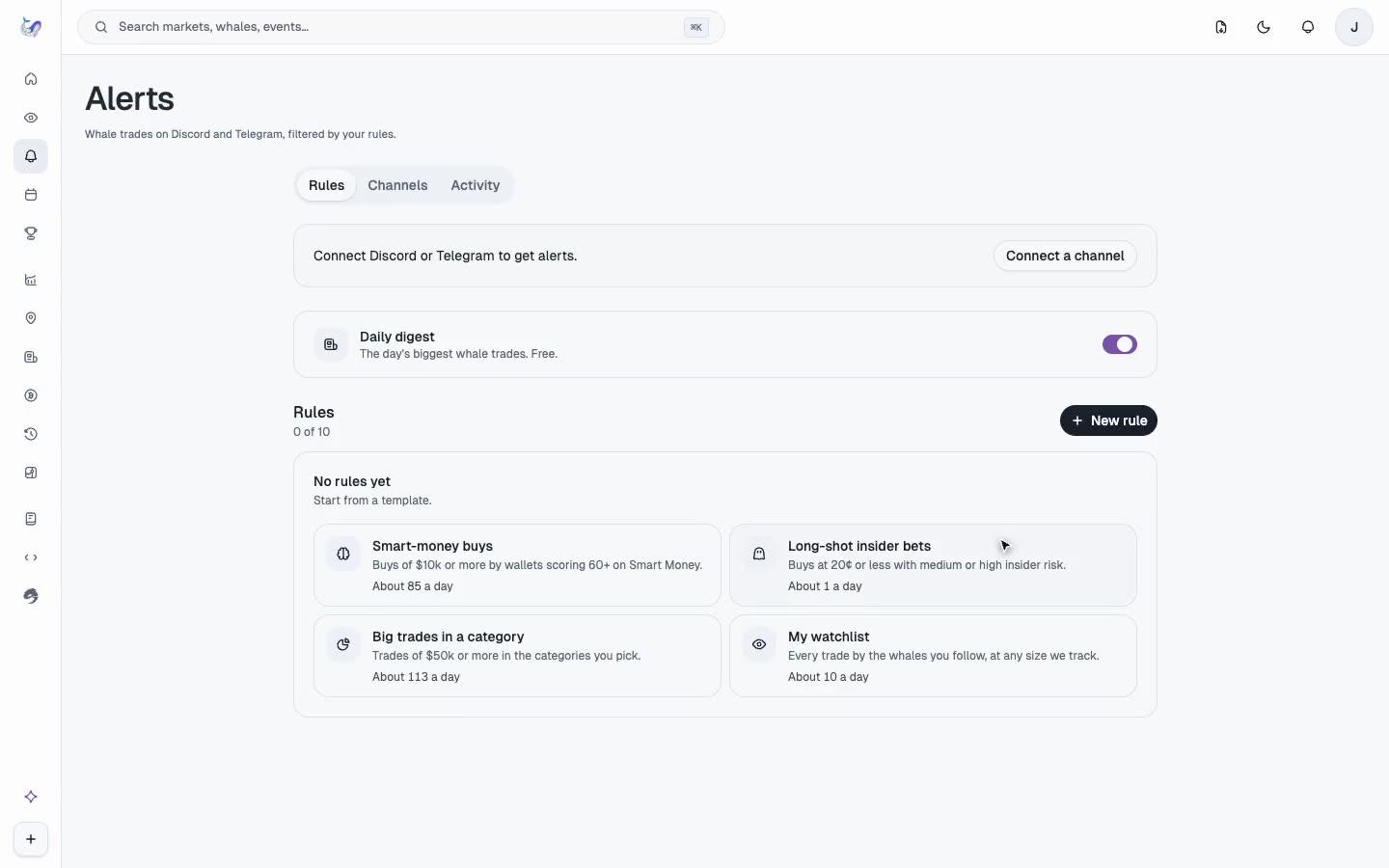
Alerts for your whales
On Pro, a rule can send their trades to Telegram or Discord.
Free
Following whales is free on every plan.
Whales trading right now
Suggested whales with the most recent activity. Open one, then follow it.
FAQs
Is the watchlist free?
Yes. Following whales, the Following feed and suggestions are free. Pro adds consensus, which shows the positions several of your whales share, and custom alert rules.
How do I follow a whale?
Press Add whale on your watchlist and search by name or paste a wallet, or press Follow on a whale's profile, on the leaderboard or in suggestions. You can also ask the Agent to follow one for you.
Do I need an account?
You can open the watchlist and browse suggested whales without one. Following needs a free account: press Follow, sign up, and you come back with that whale on your list.
Can I get alerts for the whales I follow?
Yes, on Pro. A custom alert rule with your watchlist as the source sends their trades to Telegram or Discord.
Does my watchlist sync across devices?
Yes. It is saved to your account, so it is the same wherever you sign in.
More from Polywhaler.